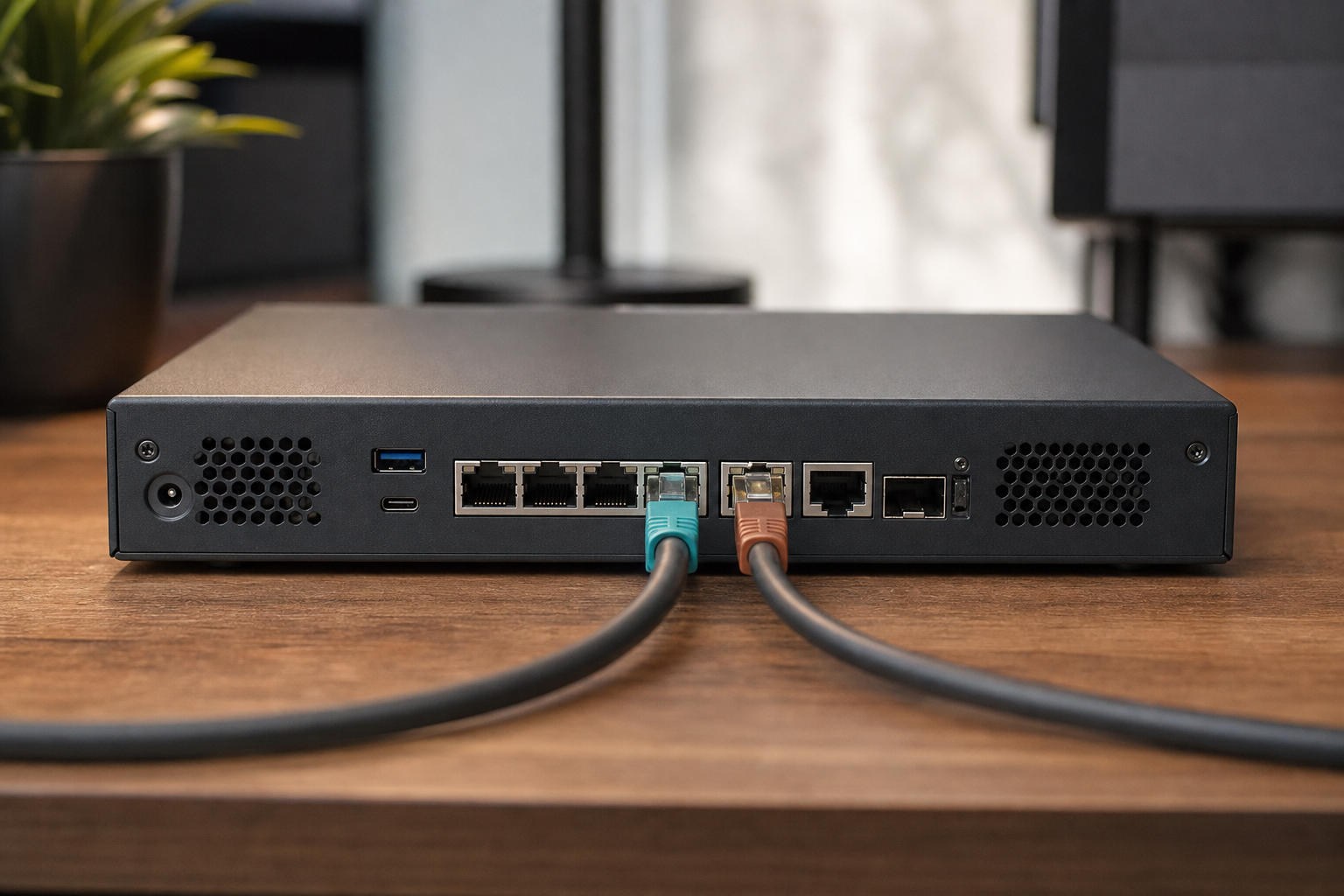
Data plane
Sticky dual-WAN fabric
New sessions follow link quality. Live VDI and desk flows keep their chosen ISP even when another link flaps or recovers.
- No mid-meeting ISP hop
- Quality steers new work only
- Safe weight updates under load
Features
Capabilities buyers care about. Clear outcomes for office VDI at the edge.
Data plane
New sessions follow link quality. Live VDI and desk flows keep their chosen ISP even when another link flaps or recovers.
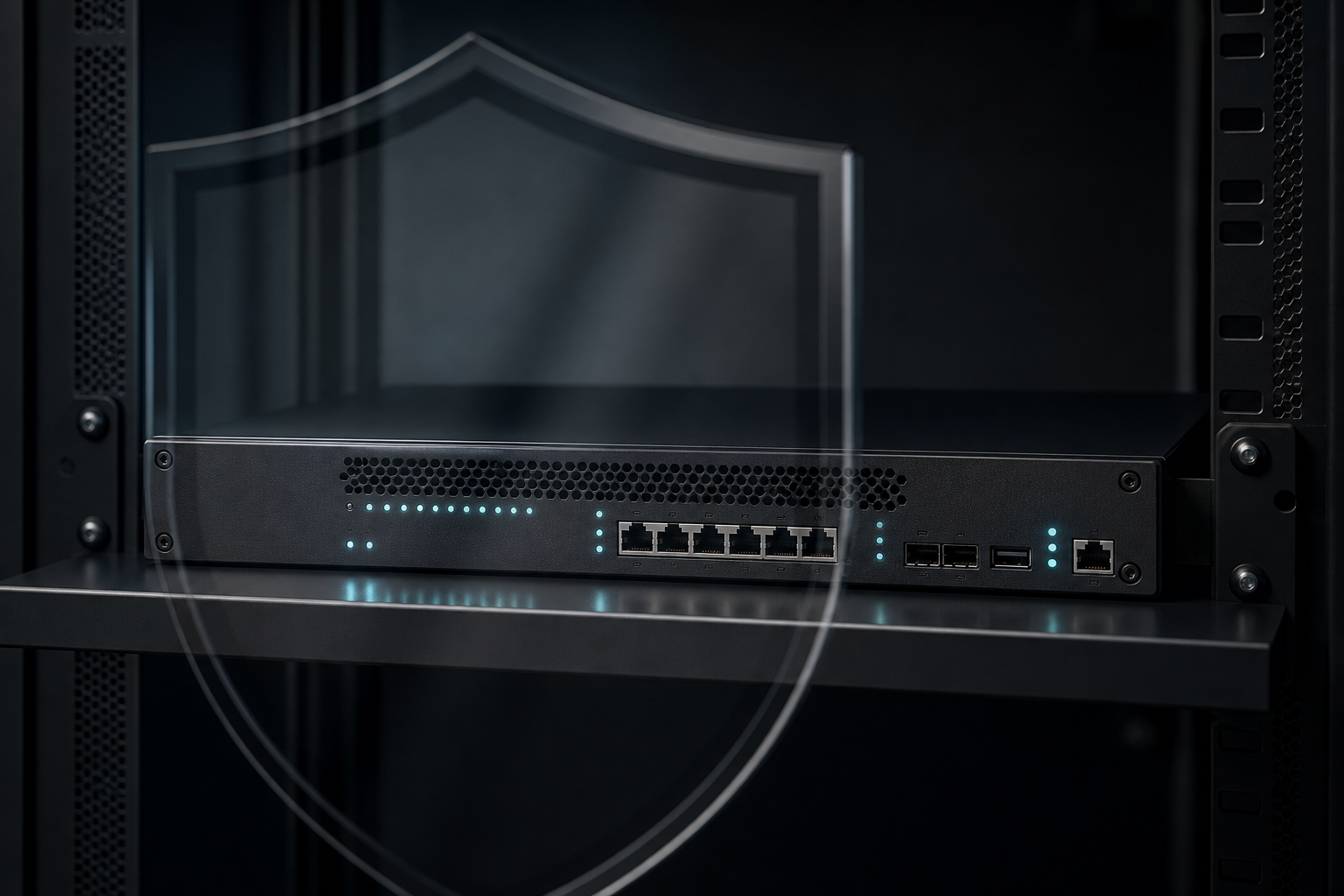
Perimeter
Protect the EDGE, block unwanted WAN to LAN starts, curb risky outbound file-share traffic, and anti-spoof the WAN while your ISP routers still answer.

Detection
Threat detection watches allowed traffic. Alert mode is the safe start. Prevention is opt-in so peak VDI is never surprised.

Control plane
Encrypted management portal with roles, lockout, authenticator MFA, recovery keys, and a Security Posture grade. Charts stay empty until real data exists.
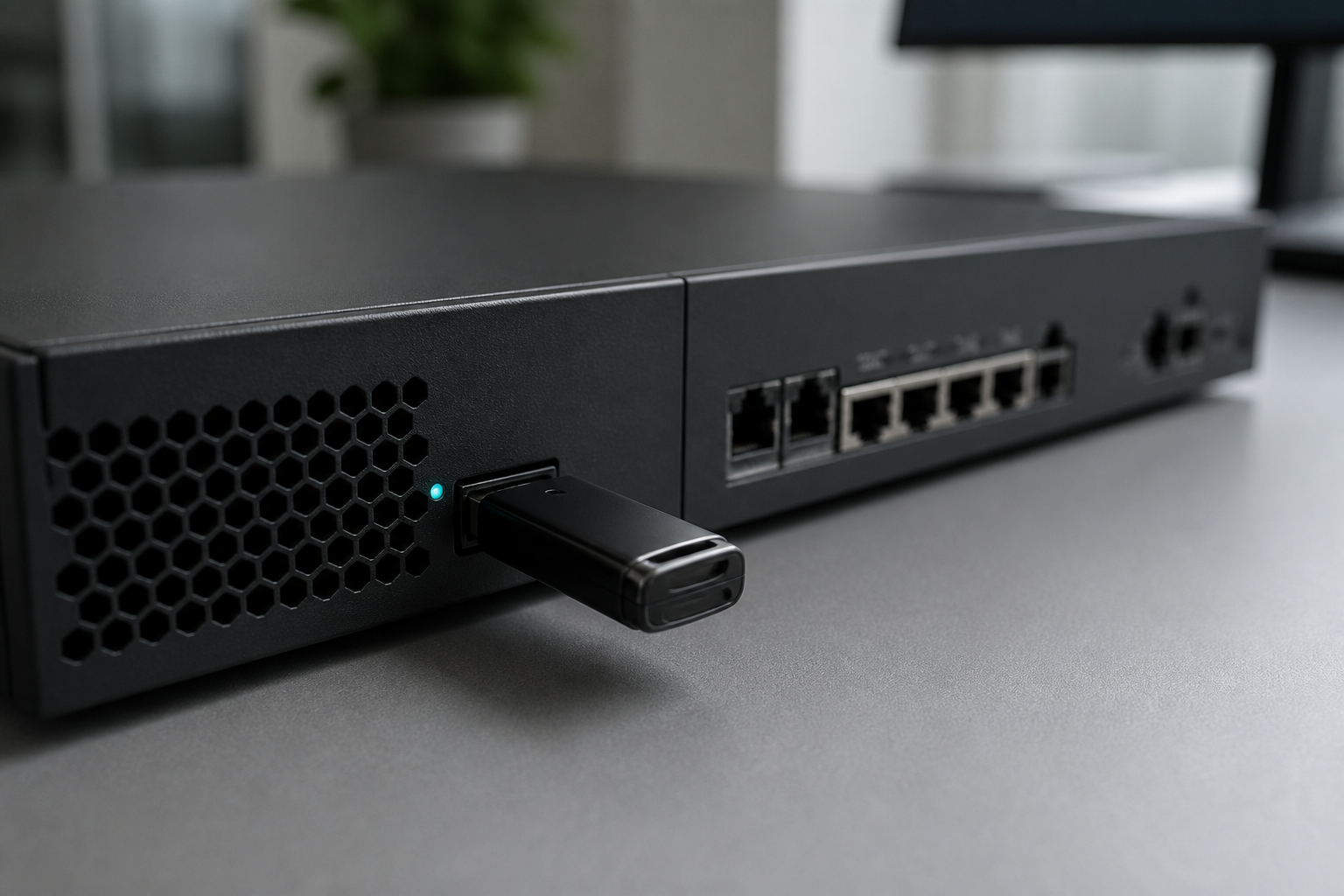
Operations
USB backup with safe restore checks, per-user bandwidth policy, optional MAC allowlist, and verify steps before you point office DHCP at the EDGE.
Also included
If management restarts, the office keeps browsing and VDI keeps flowing.
Link probes steer new sessions. Unsafe “all links off” states are refused.
Assign interfaces, run checks, apply the fabric, then verify before DHCP flip.
Optional VPN for remote administrators. It does not replace sticky VDI paths.
Next
From desk to ISP, and what still works if the console goes down.